 Calenn
Create a new event
Create a new event with the [+] button or by long-pressing, then enter a title and save.
There are two ways to create a new event:
Tap the [+] button at the bottom-right
You can open the new event screen at any time.Long-press empty space on the day you want
The new event screen for that specific date will open.
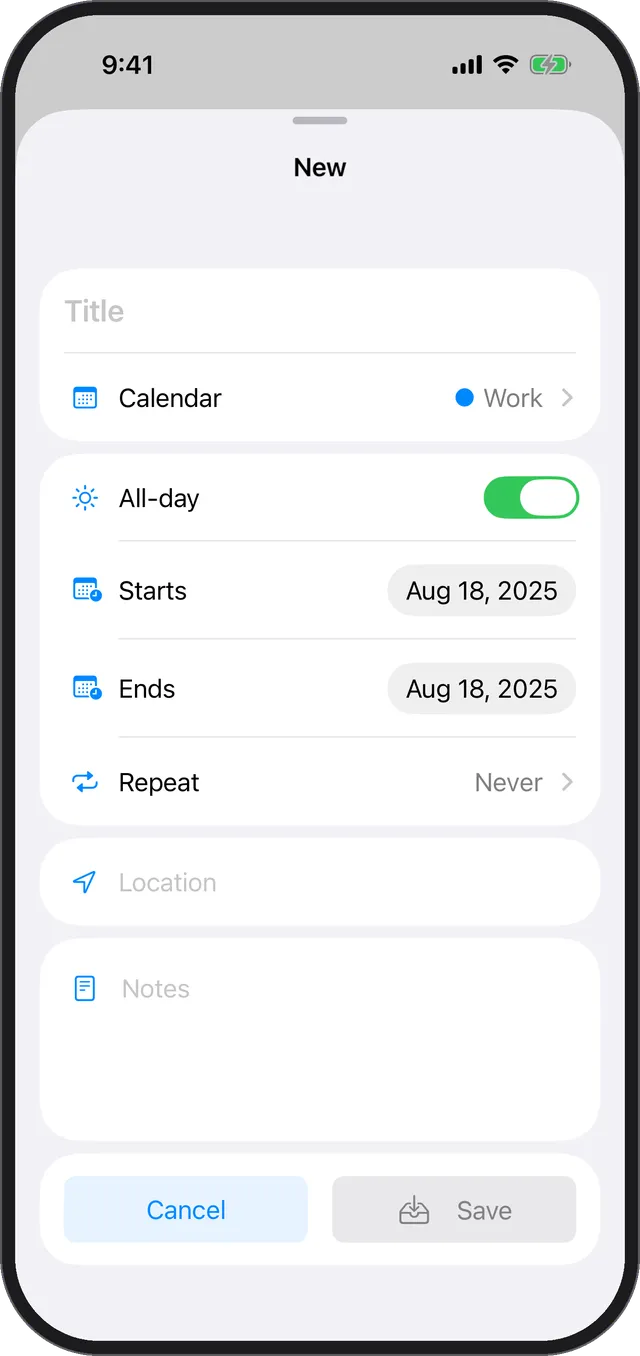
How to save
- When you’re done, swipe the sheet down to save automatically.
- Or tap [Save] to save.
Note
- Entering a [Title] is required. You can’t save without a title.