 Calenn
Reorder your calendars
Drag calendars in [Show Calendars] to set which ones take priority on screen.
Keeping your most important calendars at the top means their events never get buried.
Open Settings → [Show Calendars]
Drag the ≡ handle on the right of a calendar name up or down
The order changes where you release it.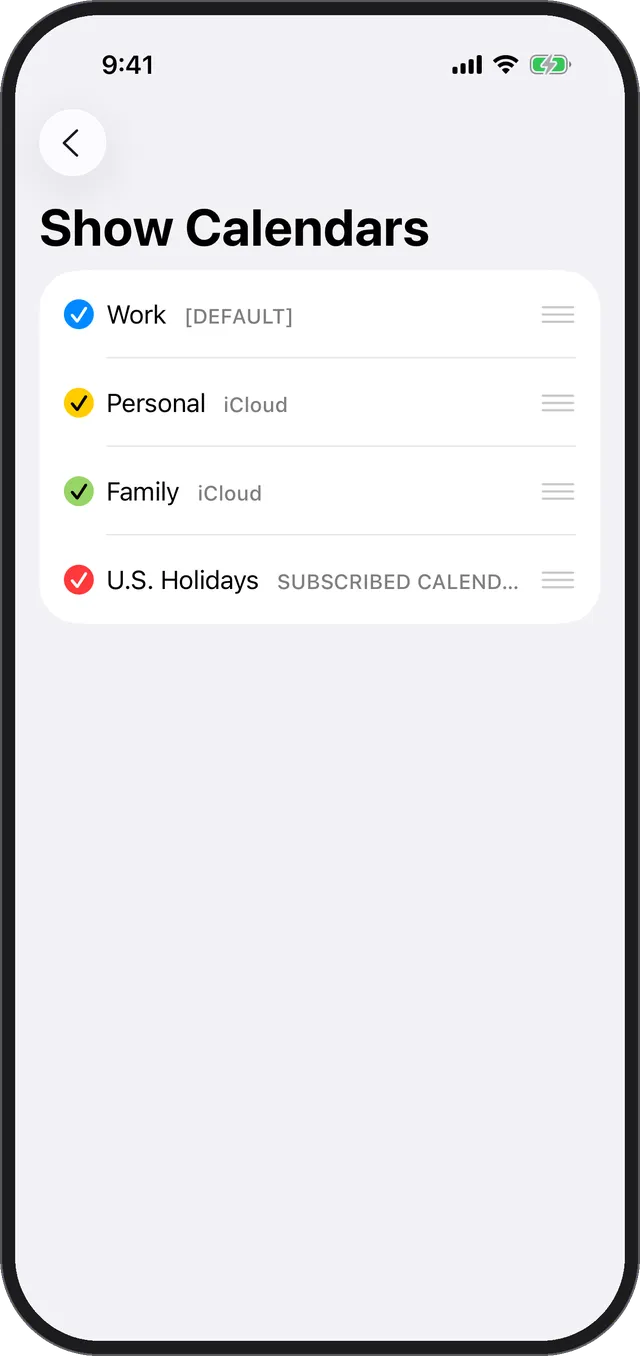
Where the order matters
- Events from calendars higher in the list are shown first.
- On busy days, the remaining events are summarized as “+N”. Put the calendars that matter most near the top and you’ll always see them at a glance.