 Calenn
Choose which calendars to show
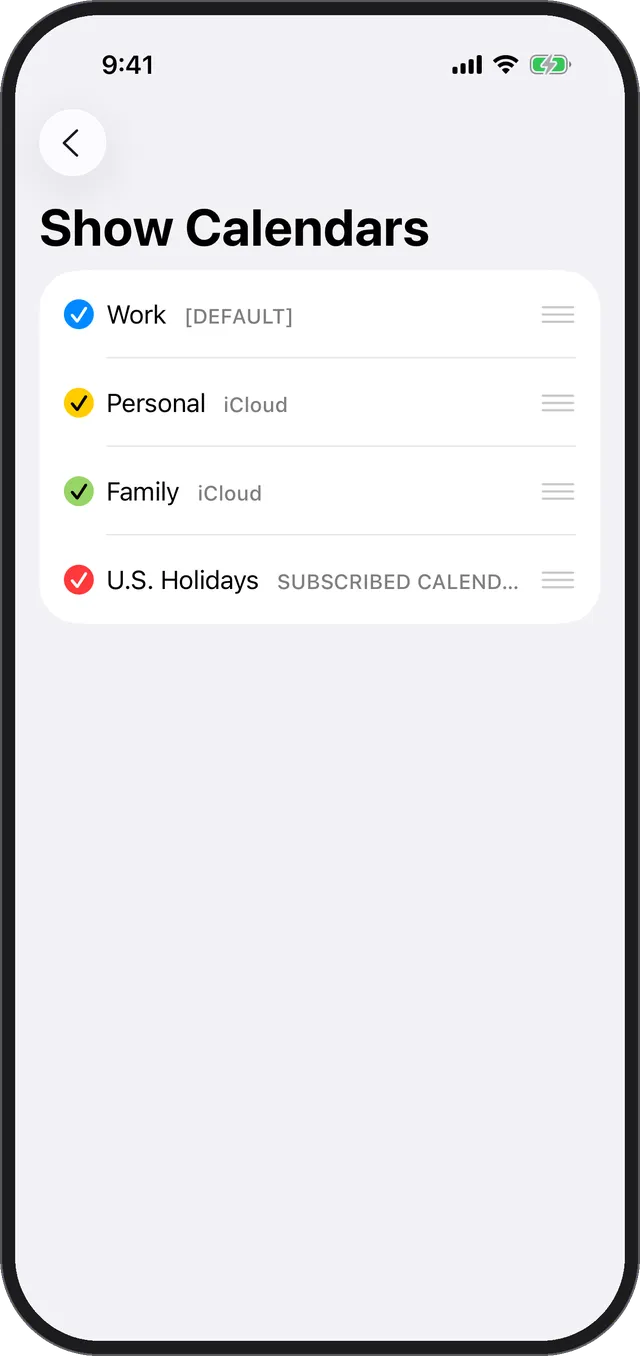
Use [Show Calendars] in Settings to show or hide each calendar.
Pick which of the calendars registered on your iPhone appear in Calenn.
Tap the gear icon at the top-left
Settings opens.Open [Show Calendars]
Every calendar registered on your iPhone — iCloud, Google, and others — is listed.Tap the check mark to the left of a calendar name
Only checked calendars show their events on the calendar.
Tips
- Turn off a calendar you don’t want to see right now, and turn it back on whenever you need it.
- Changing the order also changes how busy days look. See Reorder your calendars.
- To create a new calendar or change a calendar’s color, use the Apple Calendar app or Google Calendar settings.