Calenn
Move through the visible range
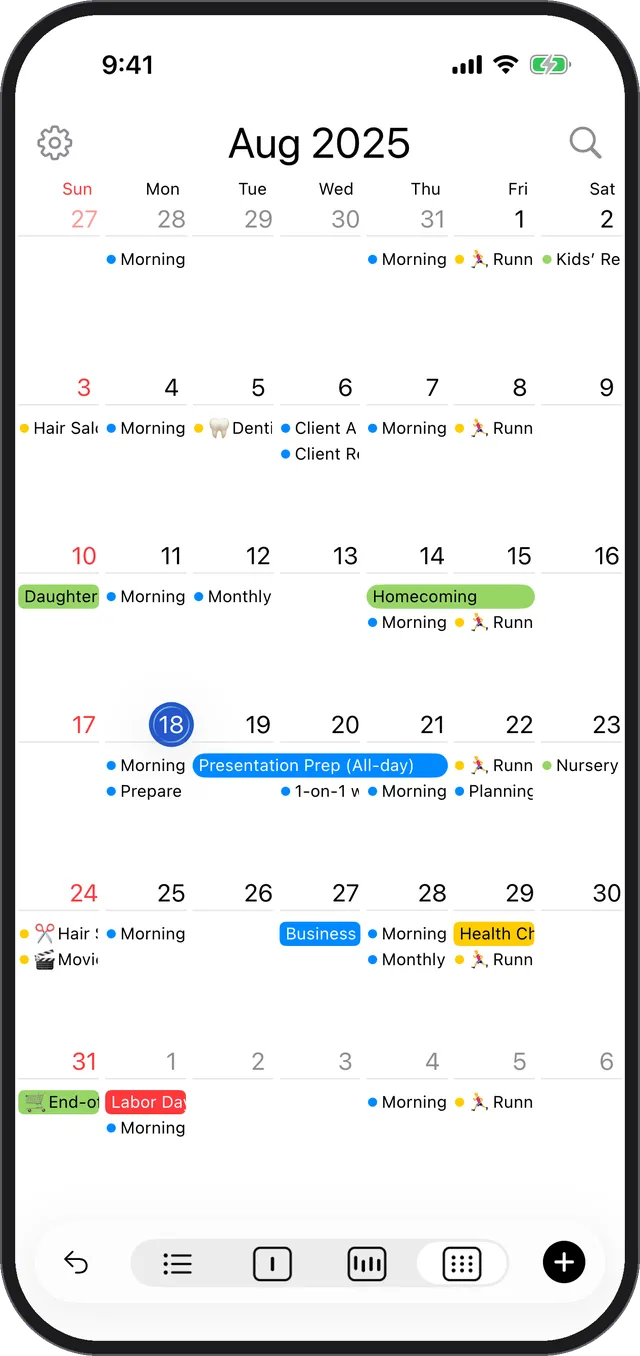
Swipe left or right to move between months or weeks, and tap the arrow button at the bottom left to jump back to Today.
- To move the current month or week, swipe left or right on the screen.
- To return to Today, tap the arrow button at the bottom-left of the screen.