 Calenn
Edit an event
Tap or long-press an event to open the edit screen, update details, and save.
There are two ways to edit an event.
Tap the event to open the detail sheet, then swipe up
Swiping the detail sheet upward opens the edit screen.Long-press the event and choose [Edit] from the menu
Tap [Edit] in the menu to open the edit screen.
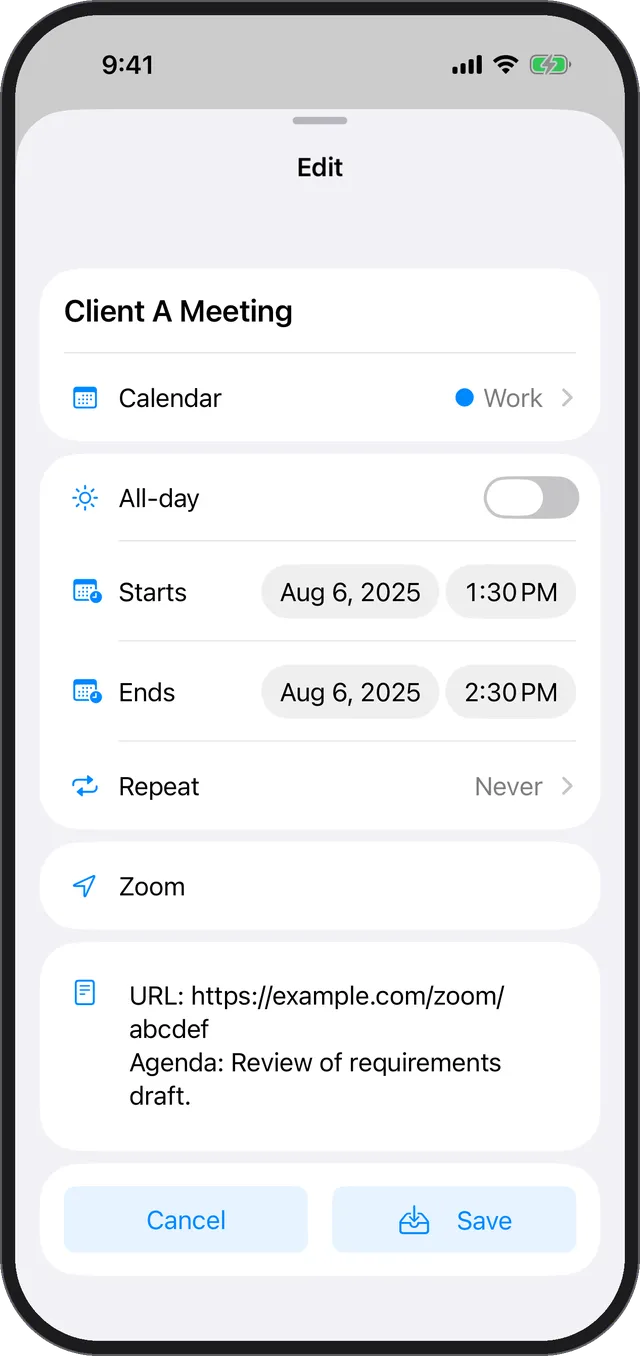
Save your changes
- When you’re done, swipe the sheet down to save automatically.
- Or tap the [Save] button to store your changes.