 Calenn
Search for events
Tap the magnifying glass at the top-right to search across titles, notes, and locations.
Find past and upcoming events with a single keyword.
Tap the magnifying glass icon at the top-right
The search screen opens.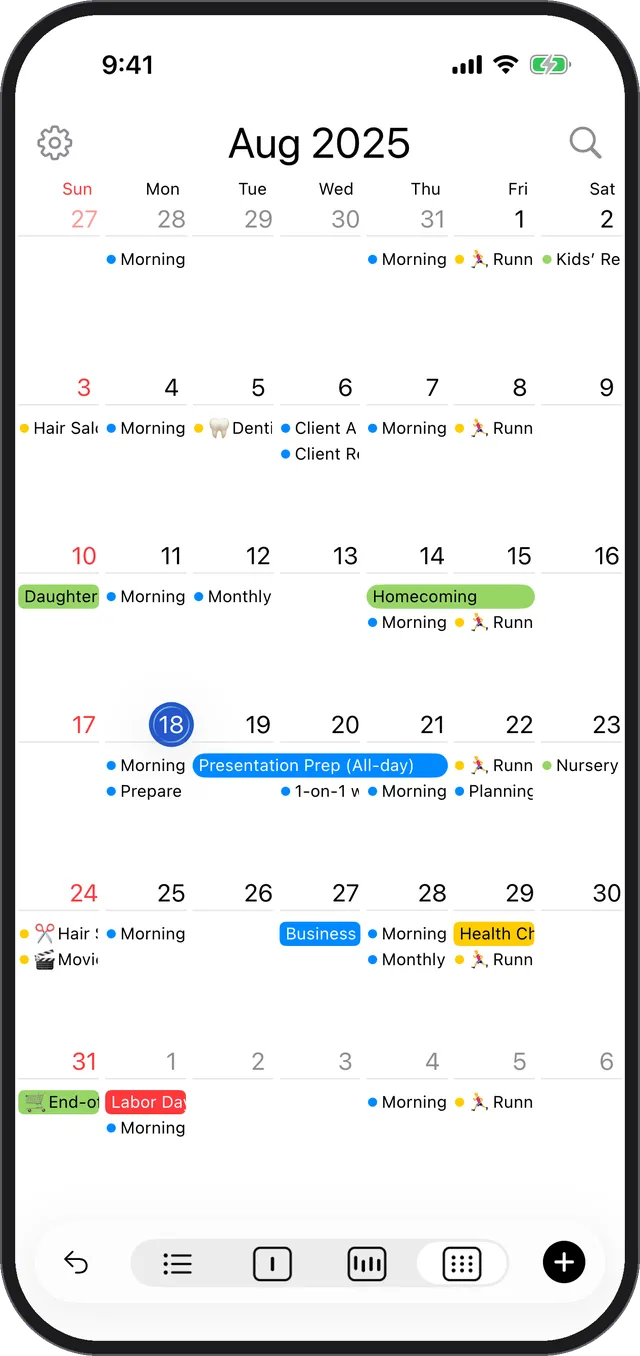
Type a keyword
Calenn searches across the title, notes, and location of your events.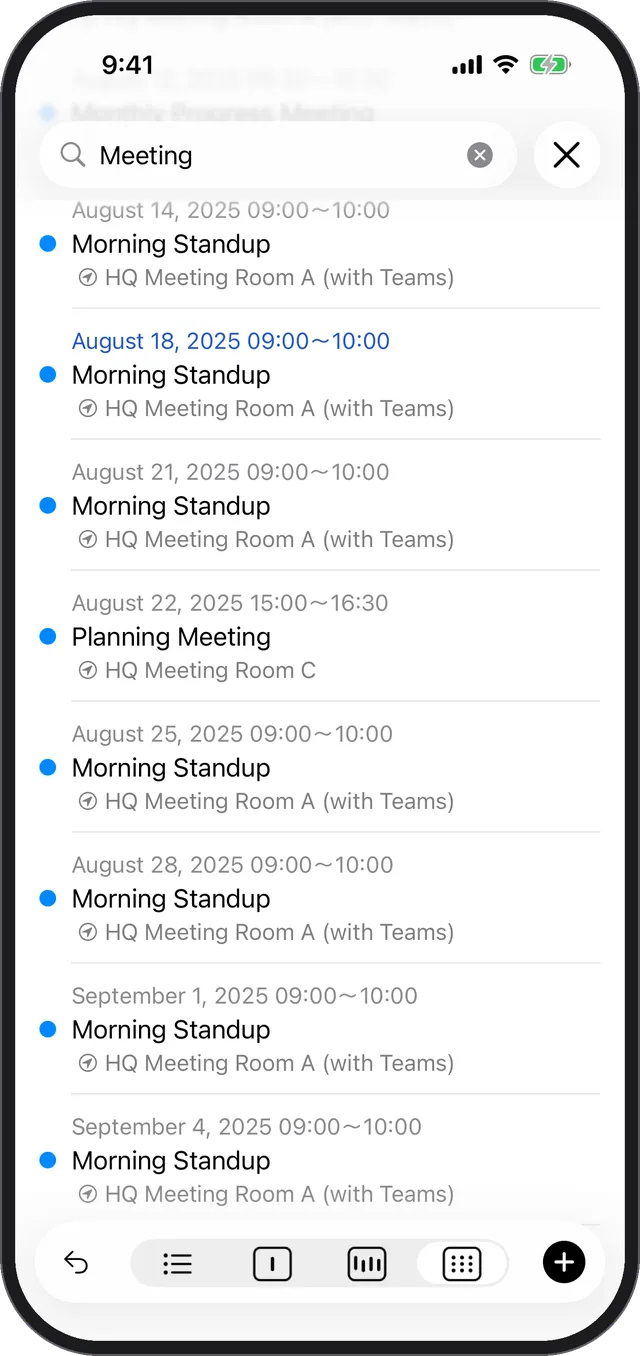
Tap an event in the results
The detail sheet opens so you can check the event. The search screen stays open, so you can go straight on to the next result.
Tips
- Past and future events are searched together, so there’s no need to scroll back through the calendar.
- Only calendars turned on in Show Calendars are searched.